

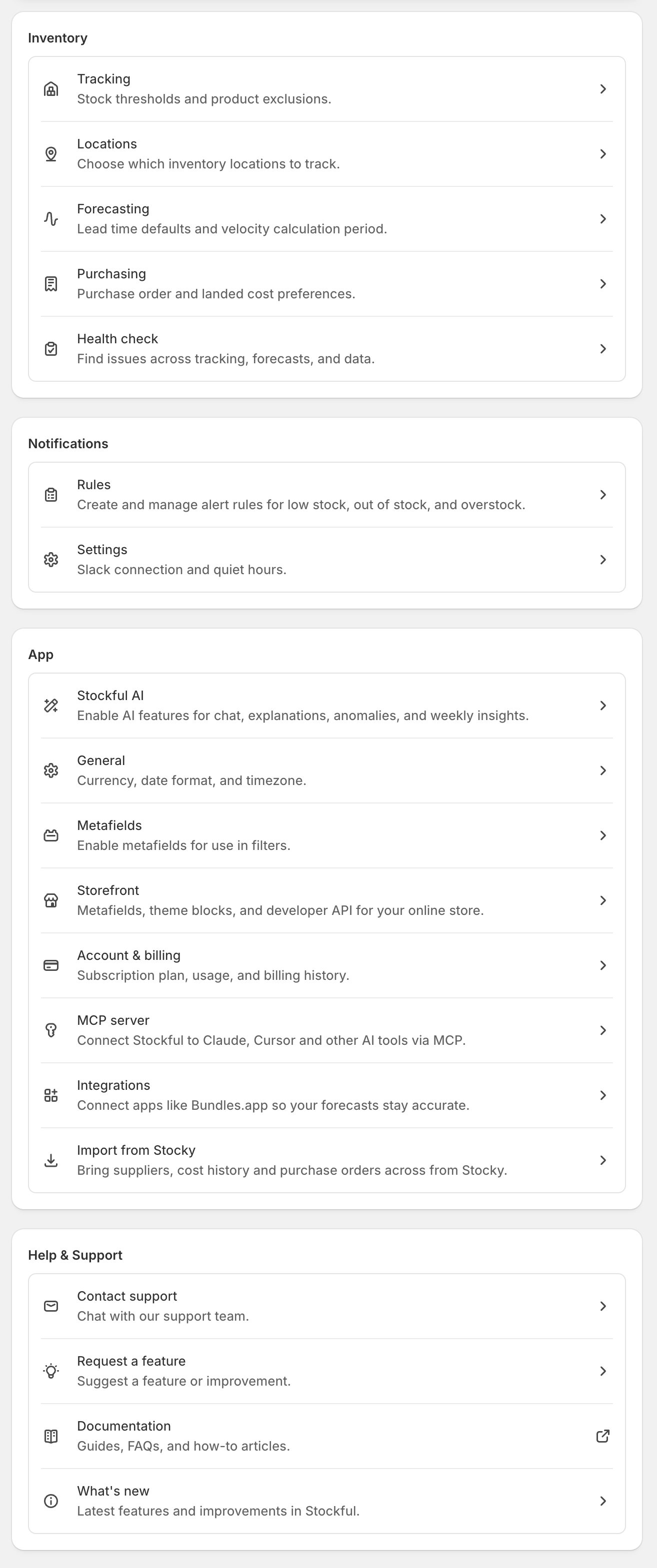
Inventory
| Setting | What it controls |
|---|---|
| Tracking | What Stockful tracks: exclusion rules, SKUs set individually, and the history of changes, with a summary of how many SKUs are tracked and why the rest aren’t. See Tracking |
| Locations | Choose which Shopify locations to track |
| Forecasting | Default lead time, safety stock, stock status thresholds (low stock, overstock, dead stock), velocity period, restock strategy, storefront traffic, and SKU-level overrides including AI-suggested thresholds |
| Promotions | The promotion calendar: declare sales in advance so forecasts, alerts and reports account for them |
| Health check | Audit of tracking, forecasting, alert, catalog, and inventory-distribution setup |
| Purchasing | Cost allocation default, landed-cost sync to Shopify, purchase order document branding, and default supplier emails |
App
| Setting | What it controls |
|---|---|
| AI | Master toggle for AI features (assistant, anomaly detection, weekly digest, threshold suggestions). Weekly-digest day/hour/channel. Anomaly alerts are set up under Alerts |
| General | Currency, timezone, date format, and data retention period |
| Alert settings | Slack connection and default channel, cooldown, and quiet periods for your alerts |
| Account | Subscription plan, usage, billing, and which lifecycle emails Stockful sends. Billing and trial emails go to the account owner; product guidance and monthly recaps also go to staff members, each of whom can unsubscribe individually from the link in any email |
| Storefront | Expose stock status, urgency, and availability on your storefront - see Storefront Data |
| Relaunch setup wizard | Re-runs the install wizard so you can redo location selection, tracking config, and any other initial choices |
| Metafields | Enable custom metafield definitions for use in filters |
Support
| Setting | What it controls |
|---|---|
| Linked stores | Link another Shopify store that shares your stock, map the products and warehouses in common, and buy for both from one combined reorder list |
| Support | Email support directly (pre-fills your shop and plan details) |
| Documentation | Opens the Stockful documentation site |