

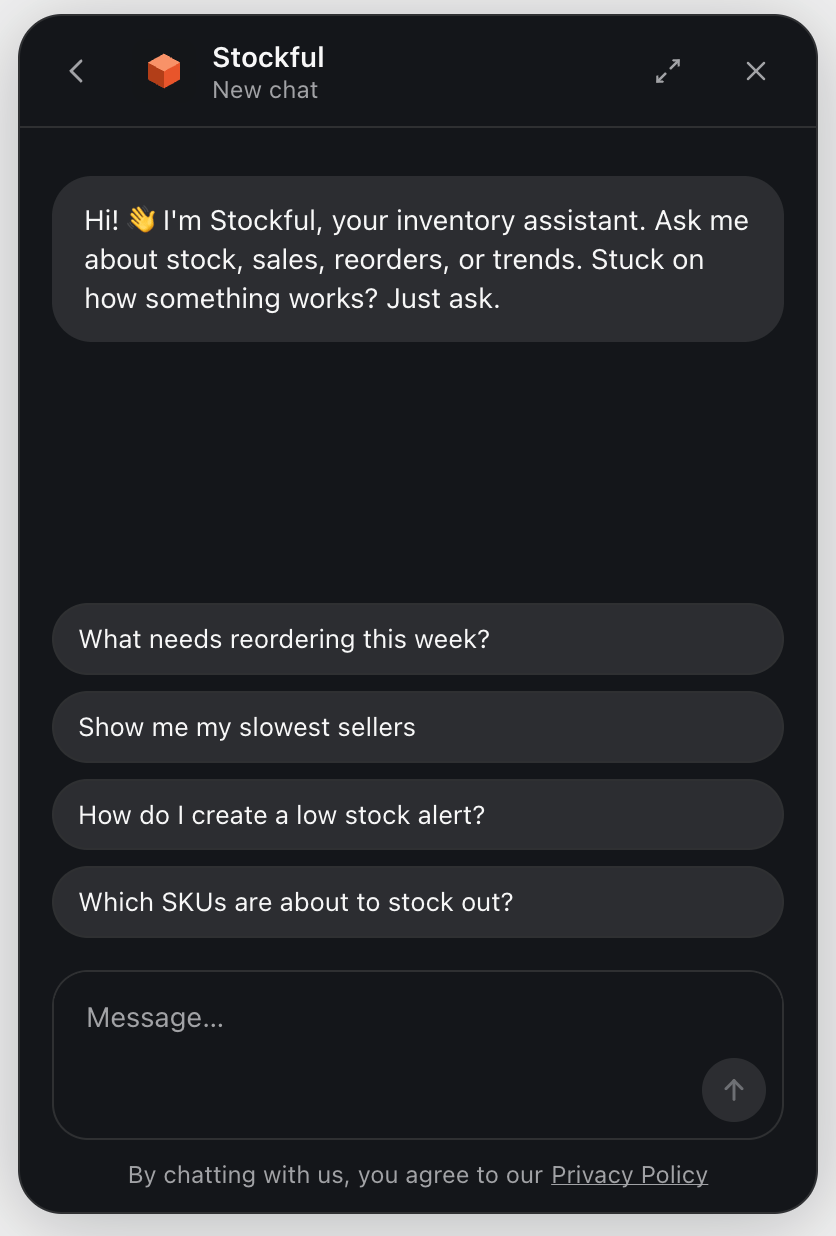
The assistant is available on all plans. Turn it on or off any time under Settings → AI.
Opening the assistant
Click the sparkles button in the bottom-right corner of any page to open the assistant. It slides up over the current page so you don’t lose context. The three-dot menu at the top-right of the header has an Expand option for full-screen mode (handy for longer conversations or reading docs in the Help tab).What it can do
- Answer questions about your inventory - “Which SKUs at my London warehouse are running low?”, “How fast is SKU ABC-123 selling?”, “What’s my projected revenue at risk this week?”
- Explain Stockful concepts - “What does ABC class C mean?”, “How do you calculate days of supply?”
- Search your help docs - “How do I set up a weekly digest in Slack?”
- Propose changes you confirm - the assistant can draft a new alert or scheduled report; you review the details in a card and click Confirm before anything is created
- Use page context - if you’re on an inventory detail page when you open it, the assistant already knows which SKU you’re looking at
Email support
The assistant also writes the first reply to emails sent to support@stockful.app. That reply is marked as written by the assistant, answers only from the help docs and your Stockful data, lists anything it could not confirm, and is always followed up by a person. Start your email with the word human to skip it. See Contact Support.Tabs
The assistant has two tabs at the bottom:- Assistant - the chat itself. Your conversations are saved so you can scroll back through history or open an old thread from the list.
- Help - search and read Stockful’s documentation without leaving the app.
Thread history
Every conversation is saved. From inside a chat, use the back arrow in the header to return to the thread list. The list shows your recent threads with titles auto-generated from the first turn; click any thread to resume it (the assistant remembers the full conversation). Use the New chat button at the bottom of the list to start a fresh thread.Feedback
Every assistant reply has thumbs up / thumbs down buttons. Rating a reply takes one click. Your feedback shapes future improvements - both for the prompts behind the assistant and for which questions land cleanly vs. need more work.Confirmation cards
When the assistant proposes a change (new alert, new scheduled report, toggling something on/off), it doesn’t apply it immediately. Instead it shows a confirmation card with the details. You can:- Confirm - applies the change, and the card updates to show what was created
- Cancel - dismisses the proposal, nothing changes
What it can’t do
- Make changes without your confirmation - all writes go through a confirmation card
- See data outside your shop - it’s scoped to your store
- Replace Stockful’s other surfaces - dashboards, reports, and alerts still drive day-to-day work; the assistant is for ad-hoc questions and quick edits
Privacy and data use
Conversations are stored against your shop and are visible only to staff who can log into your Stockful admin. Stockful uses your conversation data to improve the assistant - aggregated and de-identified where possible.Plan availability
All AI features (assistant, weekly digest, anomaly detection, threshold suggestions) are available on every plan - there’s no feature gating between tiers. What differs is the monthly message cap for assistant chats:
Only messages you send count against the cap. Background AI work (weekly digests, anomaly narratives, setup analysis, threshold suggestions) is absorbed by Stockful and doesn’t chip away at your allowance.
The cap resets at the start of each Shopify billing cycle. If you hit the soft warning the assistant will let you know; if you hit the hard cap further chats are blocked until reset (or you can upgrade your plan to lift it sooner).