

Adding a block
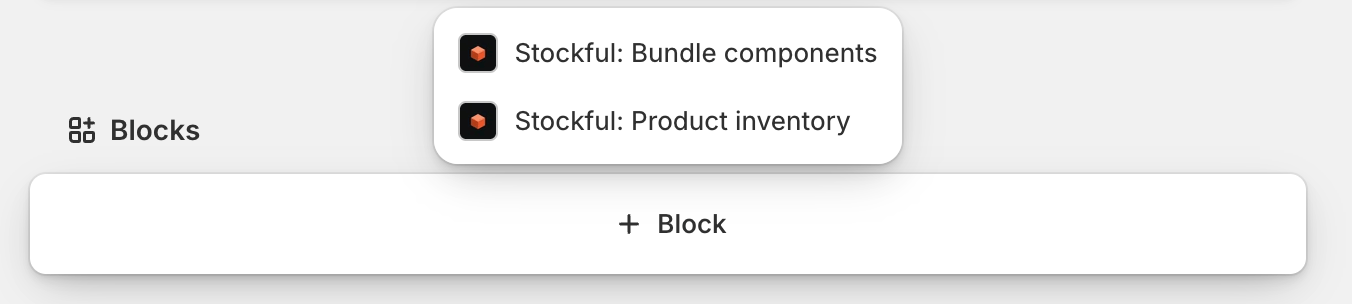
Every Stockful block is added the same way, once, and stays pinned on that page type afterwards. Scroll to the Blocks area at the bottom of the page: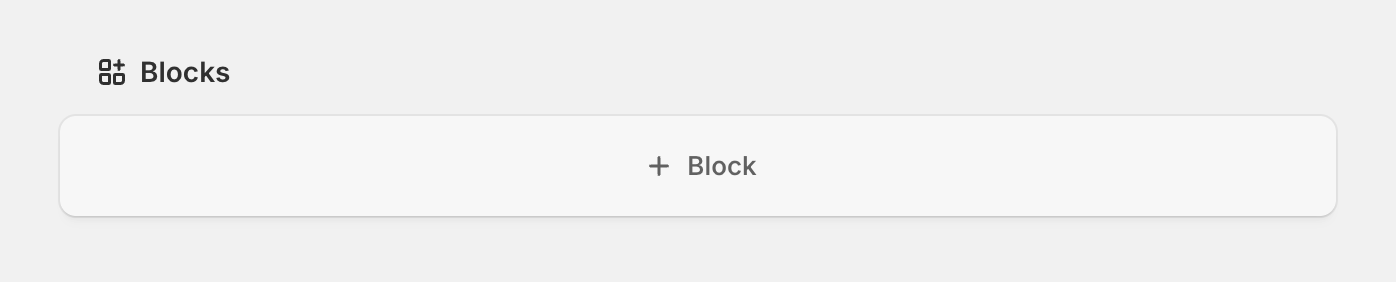
Product page block
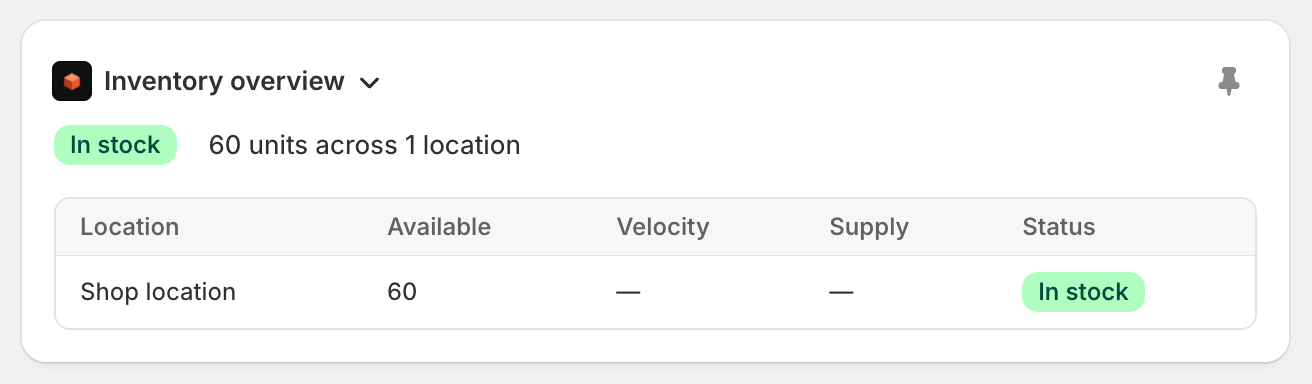
- Overall stock status badge (healthy, low stock, or out of stock)
- Total units across all tracked locations
- A breakdown table with units available, sales velocity, days of supply, and status for each location
- The top 5 variants ranked by worst status (out of stock first, then low stock, then by lowest units)
- Available units and status for each
- A summary of how many remaining variants are healthy
Variant page block
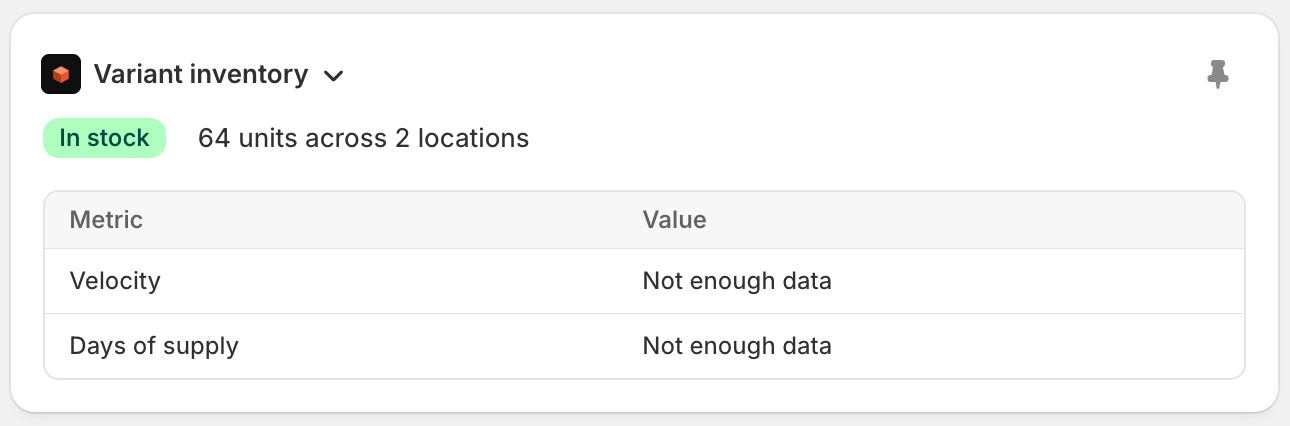
- Overall stock status and total units
- Critical banners when the variant is out of stock or low stock at specific locations
- Velocity (units sold per day) and days of supply
Bundle components block
On a product that is a fixed bundle, the Stockful: Bundle components block shows what’s inside it - each component product, with how many of its variants the bundle uses. Clicking a row opens that product’s editor right there. When a bundle’s variants have different contents, a part that belongs to only some of them is labelled with the option it goes with, for example SAK F44 Turbo Kit only. A part with no label is in every variant.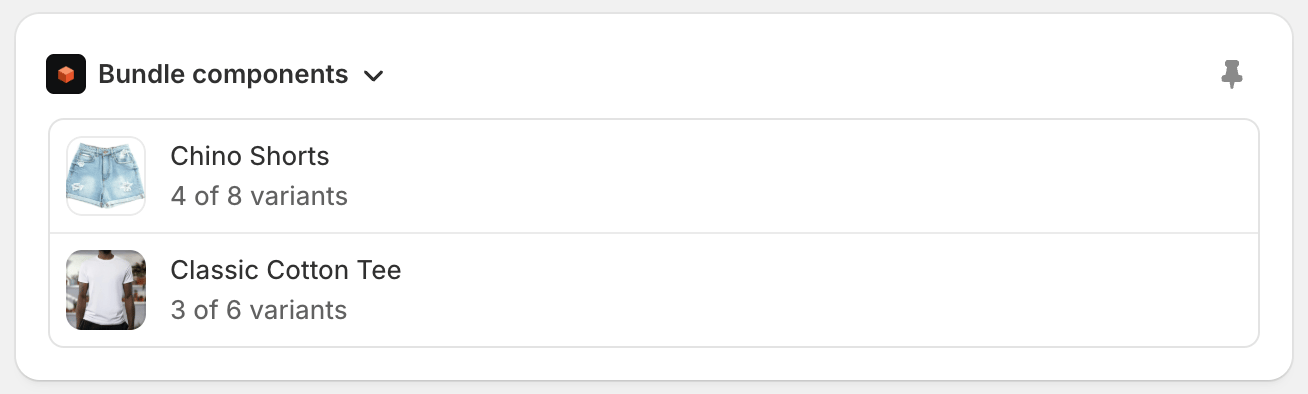
Bulk inventory action
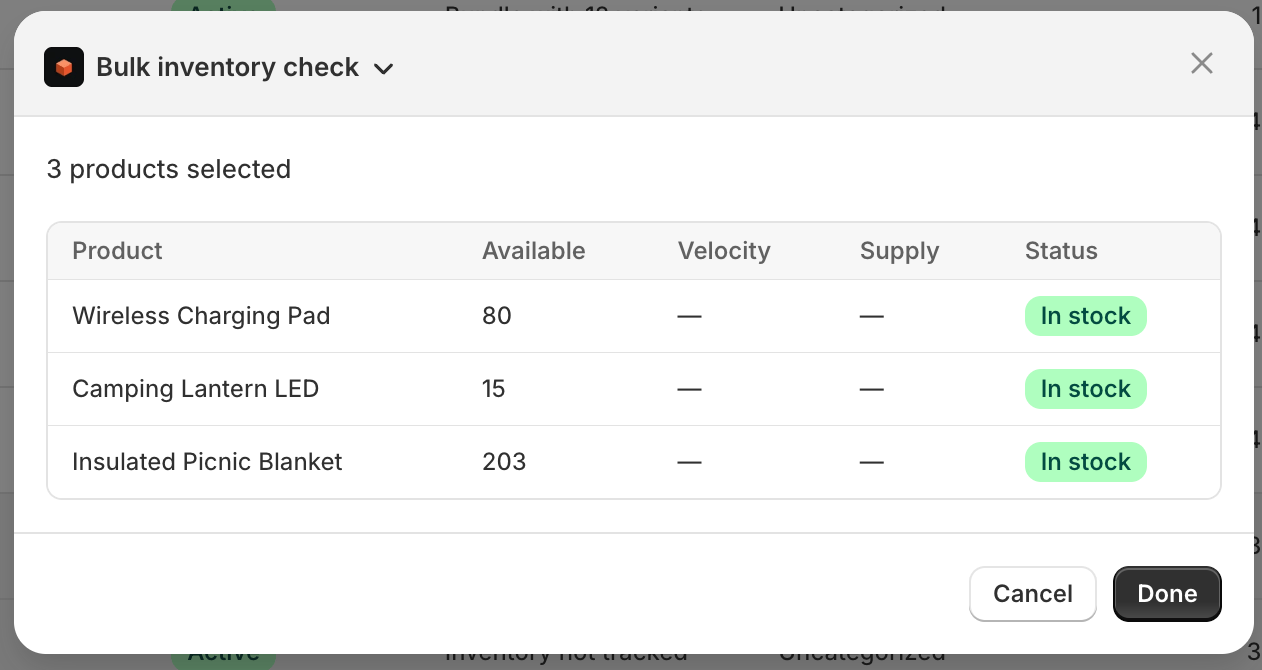
From the products list in Shopify admin, select the products you want to check, then open the ⋯ menu at the end of the bulk actions bar:
- A ranked table of the selected products (worst status first)
- Units available, velocity, days of supply, and status for each
- A header summary showing how many are out of stock or low stock
Draft order stock block
On any draft order details page, add the Stockful stock check block to see whether the draft can actually be fulfilled:- Each line item shows its requested quantity alongside stock available
- A fulfillment badge flags line items as available, insufficient (less stock than requested), or out of stock
All admin blocks read from Stockful’s synced inventory data - the same numbers you see in the main Stockful app. Stock status uses the same thresholds you’ve configured for low stock and out of stock.
Point of Sale extensions
Stockful also works inside Shopify POS, so retail staff get the same stock intelligence at the till:- Stock check tile - a smart grid tile showing how many products are running low at this location. Tapping it opens a full search: find any product by name, SKU, or barcode and see its status, stock on hand, sales velocity, days of cover, incoming shipments, and stock at every other location (hubs are labelled).
- Product stock block - on any product screen in POS, an inline Stockful panel shows the product’s status at this location, with a details view breaking down stock across all locations.
POS extensions require Shopify POS 10.6 or later and a logged-in user with access to the Stockful app.