

Costs
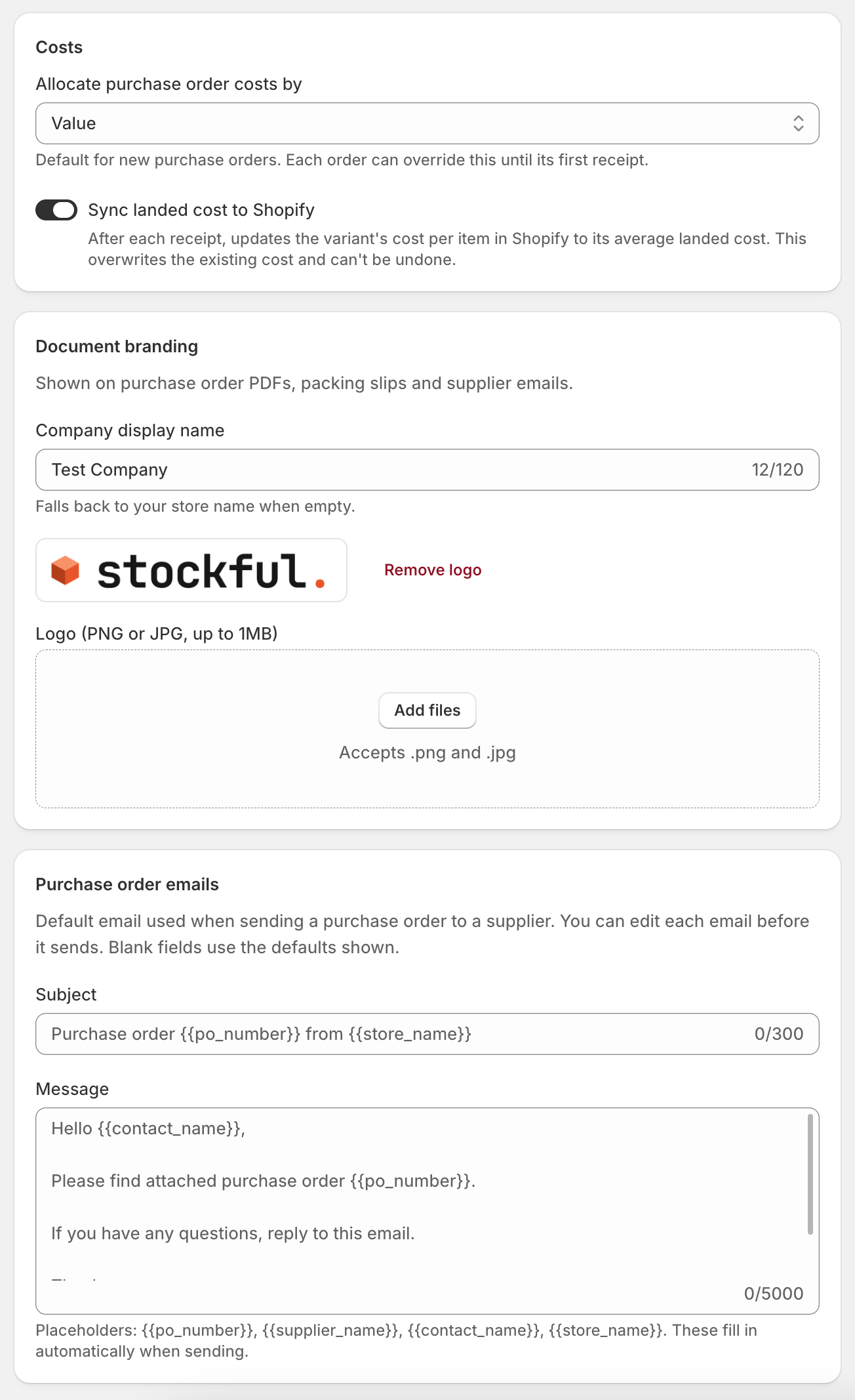
- Allocate purchase order costs by - the default method for spreading shipping and fees across a new order’s units: Value (in proportion to line cost) or Quantity (equally per unit). Each order can override this until its first receipt. See costs and landed cost.
- Sync landed cost to Shopify - when on, after each receipt or cost adjustment Stockful updates the variant’s cost per item in Shopify to its new average landed cost, so Shopify’s margins match yours.
Purchase order numbering
Purchase orders are numbered automatically, in order, and their reference can’t be edited. That keeps every reference unique, including references brought in from another system. Start numbering from sets the first number your own orders take. Leave it empty to carry on from where your orders are now, or set a number to begin a new run - useful if you’re moving from another system and want to continue its numbering.You can only move the numbering forwards. If your orders have already passed the number you enter, Stockful tells you the lowest number it will accept. Orders imported from Stocky keep their original references and are never renumbered.
Document branding
Set a company display name and upload a logo (PNG or JPG, up to 1 MB). These appear on your purchase order PDFs, packing slips and supplier emails. The company name falls back to your store name when left blank. Add a billing address to print a bill-to block on your purchase orders, so suppliers know where to send the invoice. Enter it as you’d write it on an envelope, one line per line. Left blank, the block is left off the document entirely.Purchase order emails
Set the default subject and message used when you email a purchase order to a supplier. You can edit any email before it sends, and blank fields fall back to these defaults. Use placeholders that fill in automatically:{{po_number}}- the order’s reference number{{supplier_name}}- the supplier’s name{{contact_name}}- the supplier contact{{store_name}}- your store name