

Install from the Shopify App Store
- Find Stockful in the Shopify App Store or search for it from your Shopify admin
- Click Add app, review the permissions, and click Install app
Your free trial starts immediately
Installing starts a 14-day free trial with full access to every feature. There’s no plan selection or charge approval upfront - you go straight into the app. You can subscribe at any point from Settings → Account & billing; any remaining trial days are credited, so subscribing early never shortens your trial. See Plans & Billing for pricing, limits, and what happens when the trial ends.Development and client-transfer stores get Stockful free for as long as the store is on a development plan. The 14-day trial starts automatically when the store moves to a paid Shopify plan.
Complete the setup wizard
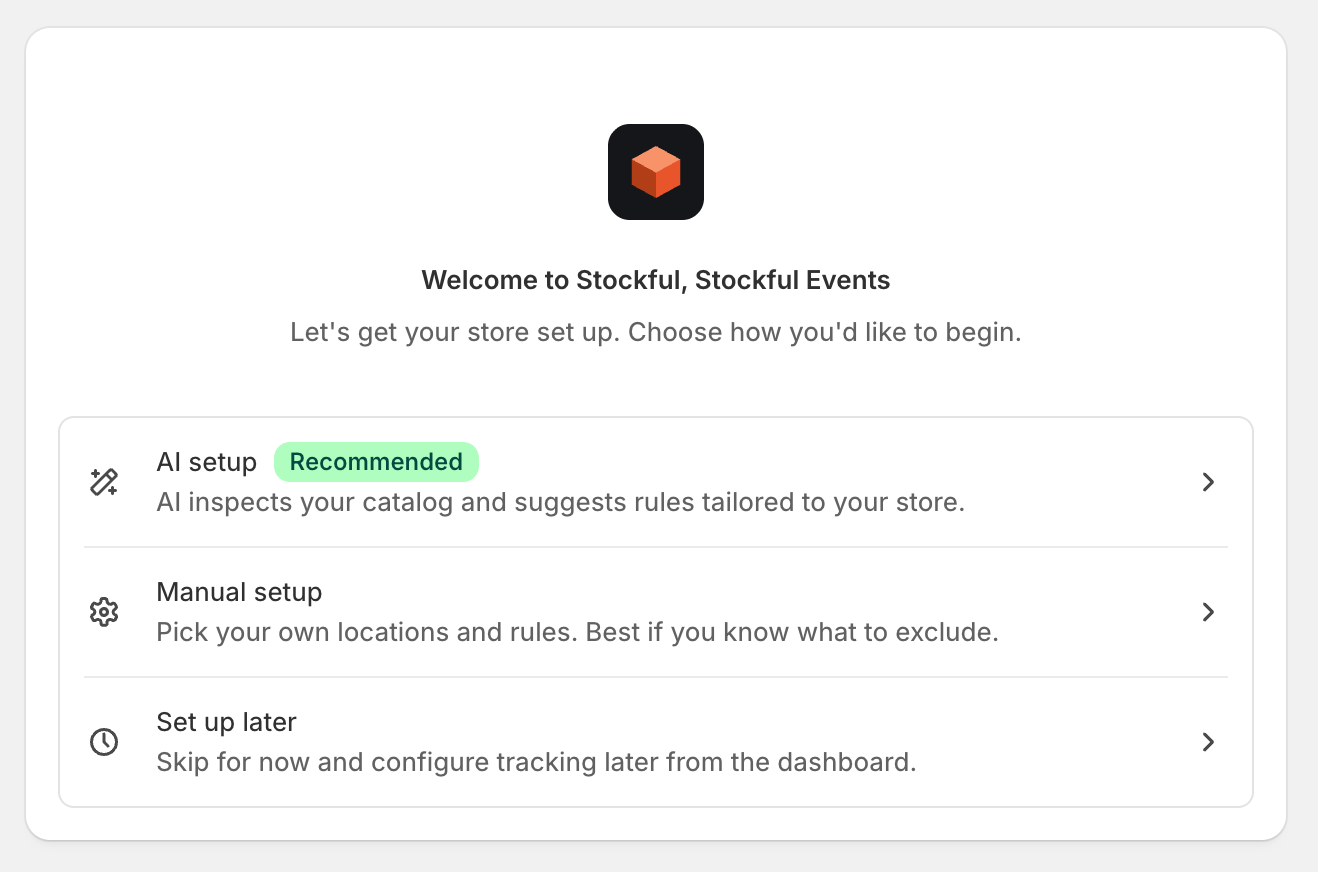
- Recommended - Stockful’s AI looks at your catalog and proposes sensible defaults for tracking thresholds, forecasting, and alerts. You review and tweak before applying. Faster path, good for most stores.
- Manual - you set everything yourself, step by step. Pick this if you already know what you want or prefer full control from the start.
Recommended flow
- AI analysis - the assistant scans your catalog and proposes a starting config (low-stock threshold in days of cover, forecasting defaults, alerts). The analysis can’t start until the initial sync has finished importing your products, variants, and current stock levels, so you’ll see a sync progress screen first if you got here quickly. Both screens advance automatically; nothing to click.
- Review and apply - tweak any of the proposals before applying.
Manual flow
- Choose locations - select which Shopify locations to track.
- Exclusion rules - optionally exclude product types, vendors, tags, or specific products from tracking.
- AI features - opt in to (or skip) the AI assistant, weekly digest, anomaly detection, and threshold suggestions.
The initial sync
Stockful starts importing your products, variants, and current stock levels in the background as soon as you reach the wizard - no button to click. You’ll see a progress banner at the top of the app while it’s running.
Once the sync finishes, Stockful switches to real-time tracking. Every inventory change from that point forward is recorded automatically - no action needed from you.
Live inventory tracking starts from the moment Stockful is installed. To fill in the past, Stockful also imports up to 2 years of sales history and reconstructs up to 1 year of stock history in the background after the initial sync, so analytics, reports, and trends don’t start from zero. The syncing banner stays visible until this import finishes - on stores with a long sales history it can take a few hours, and analytics will keep filling in during that time.