

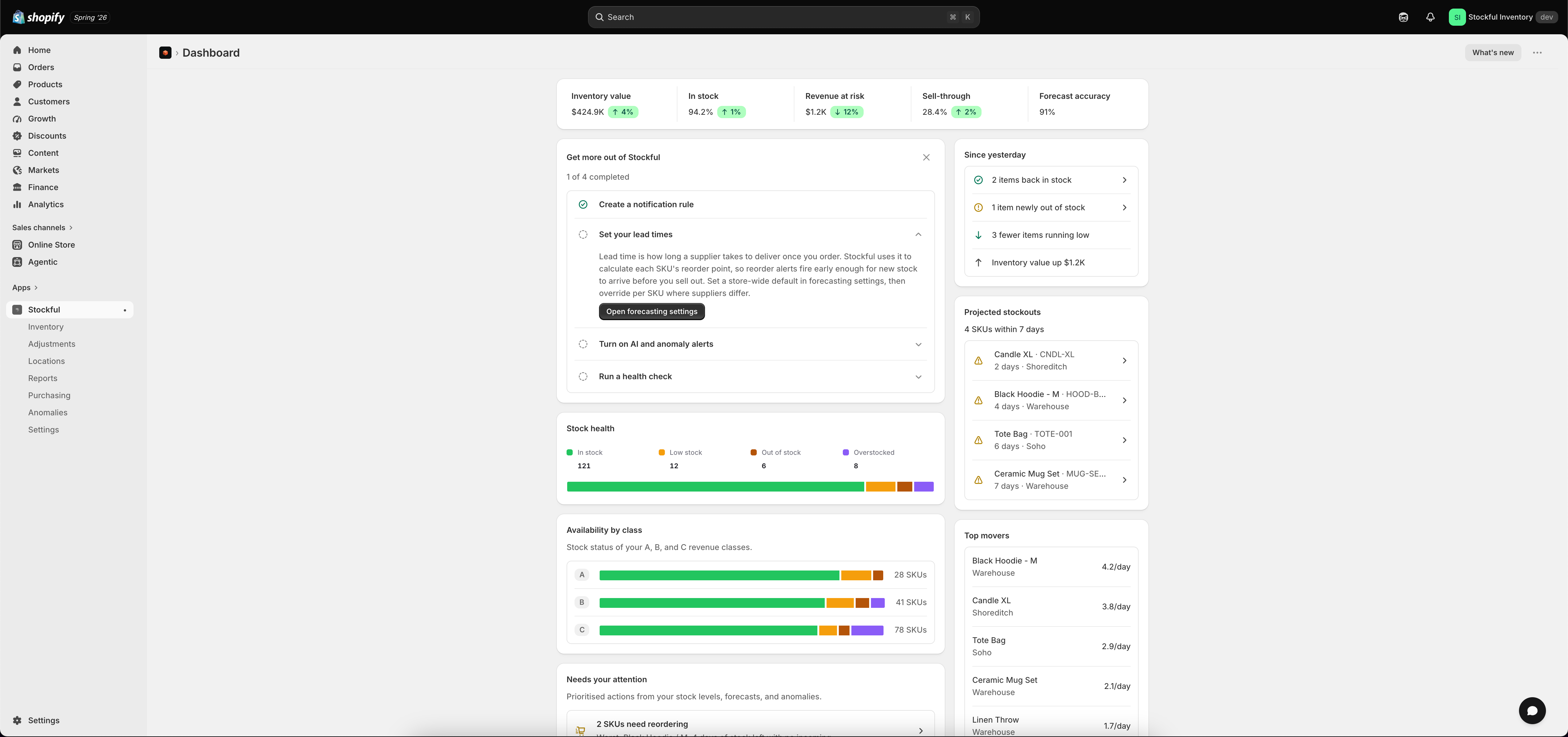
Stockful lives inside your Shopify admin. Open it from the Apps section in the Shopify sidebar. The sidebar gives you access to everything:
SectionWhat you’ll find
HomeDashboard with summary cards, charts, and recent inventory changes
ProductsYour product catalog with stock levels, variant details, and history charts
InventoryA detailed inventory list you can filter by location, stock status, product type, and more
LocationsPer-location inventory breakdown
ReportsGenerate, schedule, and export inventory reports
SettingsTracking preferences, notification rules, forecasting config, Slack, locations, and billing

Tips

  • Search is available on most list pages — type a product name, SKU, or barcode to find items quickly
  • Filters narrow results by location, stock status, vendor, product type, or tags
  • Click any product to see its detail page with per-location stock levels and historical charts
  • Click a variant from the product detail page to see variant-level history