

What you’ll need
Your history comes from Stocky’s CSV exports, not the API. The API key only ever carried stock adjustments, so the uploads are the migration rather than an optional extra. That is also why the shutdown did not end it: the wizard reads files you already have. You needed these exported from Stocky before it closed. If you have them, they are all you need.What comes across
- Suppliers - created in Stockful, or merged with a matching supplier you already have.
- Price lists - each supplier’s products with their supplier SKU and cost, worked out from your purchase history and exports.
- Purchase orders - your historical orders, imported as Closed records with their costs and landed cost reconstructed, tagged so you can find them.
- Stock adjustments - these came through Stocky’s API rather than an export, so they stopped being available when it shut down.
- Product costs - each product’s average cost is seeded where you don’t already have one, so margins are right from day one. Stocky only holds an average cost for some products, so expect it on those rather than your whole catalogue.
The import never changes your live stock. Historical orders and adjustments come in as records only - it won’t move inventory or write to Shopify.
How it works
1
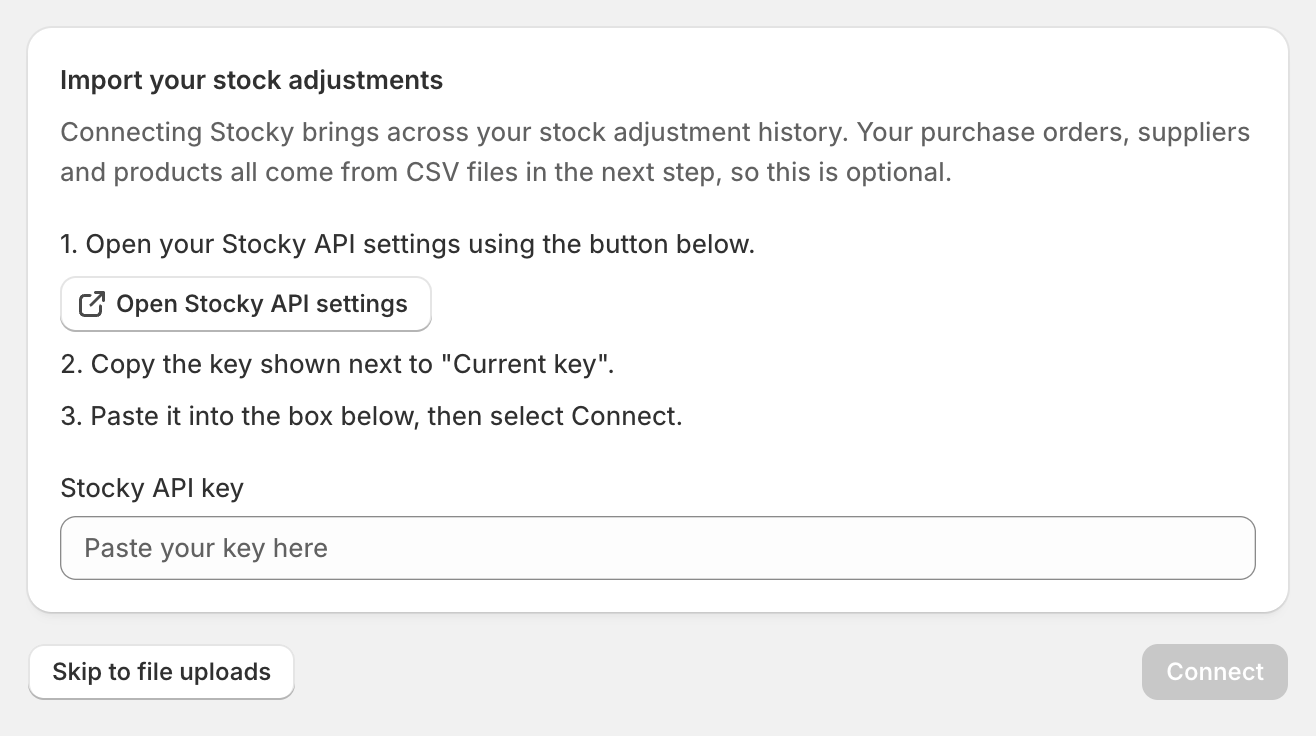
Skip the connect step
This step pulled your stock adjustment history from Stocky’s API. That API is gone, so choose Skip to file uploads and carry on. Nothing else depended on it.
2
Upload exports
Add the five CSV exports above, one slot at a time. There’s no size limit, so upload the full history rather than a shortened date range. If you genuinely don’t have one of them, you can skip it and carry on.
3
Review
See exactly what will come in - new suppliers, matched products, purchase orders, adjustments and prices. Anything already imported is skipped. If you track more than one location, you’ll also be asked which one received these orders: Stocky’s export doesn’t say, and without it your imported orders print with no delivery address.
4
Import
Stockful creates it all. You’ll get a summary of what landed when it’s done.
After importing
A few things Stocky can’t export, so you add them once in Stockful:- Lead times, pack sizes and minimum order values - set these under each supplier and its price list.
- Minimum and maximum stock levels - if you replenished by min and max in Stocky rather than by forecast, set a SKU’s reorder policy to Min/max under SKU overrides and it behaves the same way here. You can import them in bulk from a CSV rather than typing them in one at a time.
Stocky closed on 31 August 2026, so the connect step can no longer pull your stock adjustment history. Everything else is unaffected: the CSV uploads read files, not Stocky, so as long as you exported them in time the rest of your migration still works exactly as described above.