

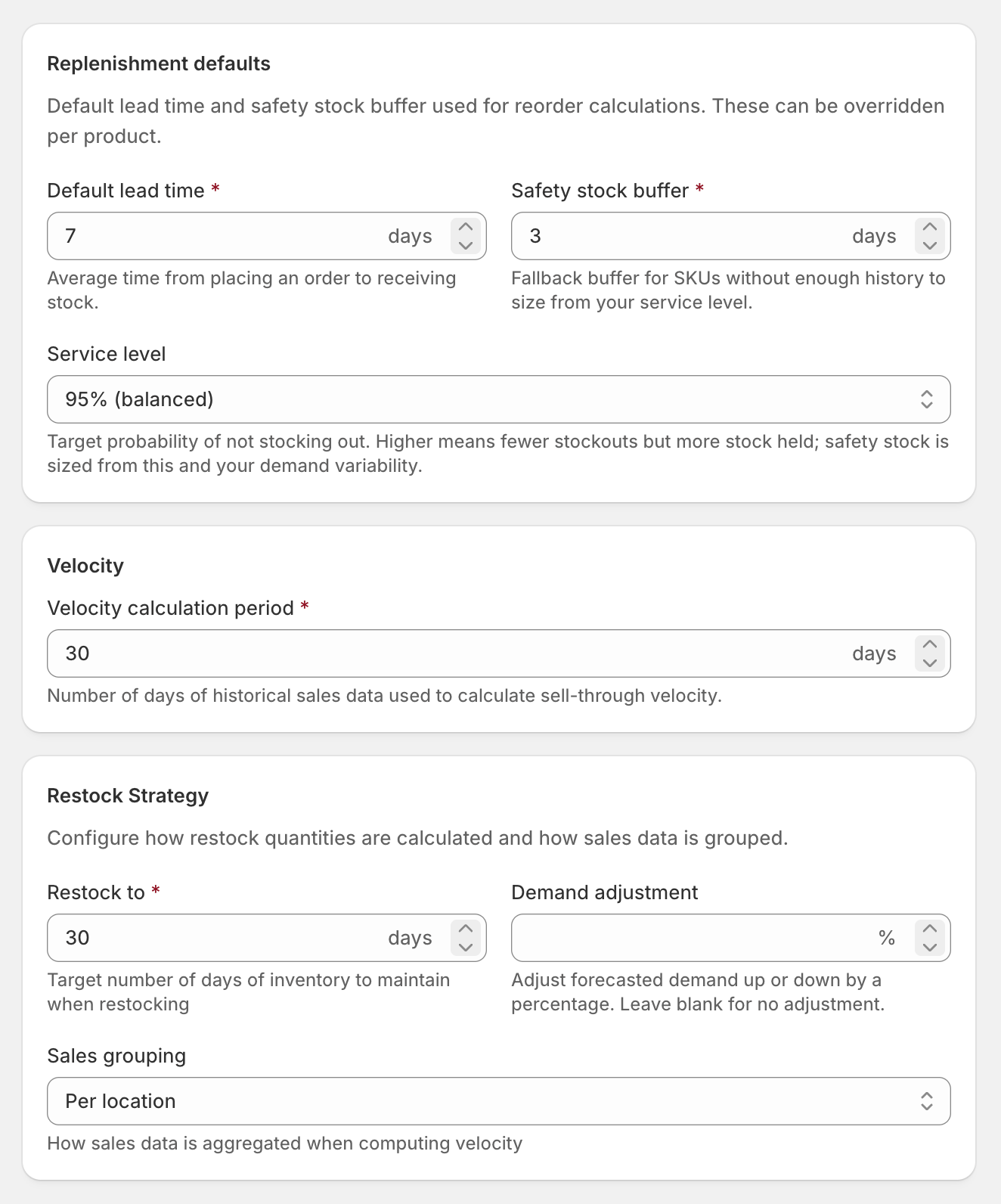
Replenishment
Where a SKU has enough sales history, Stockful sizes its safety stock statistically - from how variable that SKU’s demand actually is and your target service level - rather than the flat day-buffer. The day-buffer above is the fallback for new or sparse SKUs. Once a supplier has five or more received purchase orders on record, their measured delivery variability widens the buffer automatically too - an erratic supplier earns more cover than a punctual one.
Stock status
These decide when a SKU counts as low, overstocked or dead stock. Alerts, the inventory list’s stock status and reports all use them.
The low stock threshold can be overridden for individual SKUs from SKU overrides. Changing any of these recalculates stock status straight away.
Velocity calculation
Restock strategy
Order on demand
Products set to continue selling when out of stock in Shopify are often sold to order rather than kept in stock. Turn this on and Stockful buys them against the orders you have already taken instead of against a forecast: no forecast-based replenishment, no safety stock and no target stock level. The recommendation becomes the quantity customers have ordered that you can’t cover from stock on hand or stock already on order. It’s off by default. Plenty of stores set continue selling across the whole catalogue and still stock those products normally, and turning it on there would drop every reorder quantity to zero. Individual products can opt in or out either way, from SKU overrides.Storefront traffic
The master switch for every storefront traffic surface, plus the opt-ins that let traffic change your reorder and forecast maths. On by default for the insight surfaces; the maths opt-ins are off until you turn them on.Settings hierarchy
When calculating forecasts, Stockful resolves each setting in order:- SKU override - if set on the variant, use it
- Supplier default - if the variant is linked to a supplier with a default lead time, use that
- Global default - the value from Settings → Forecasting